Key Takeaways
- →Turn off your wet iPhone immediately — every second powered on risks a short circuit
- →Rice is a myth — it's too slow and introduces dust into your phone
- →Never use a hair dryer or heat gun — heat pushes water deeper and melts components
- →Remove the case and SIM tray to give water escape routes
- →Corrosion can develop weeks after water exposure — bring it to a professional even if it works
Water Damage: Act Fast
Whether your iPhone took a dive in a pool, got caught in Glendale's winter rain, or landed in a sink, water damage is a time-sensitive emergency. Here's exactly what to do — and what NOT to do.
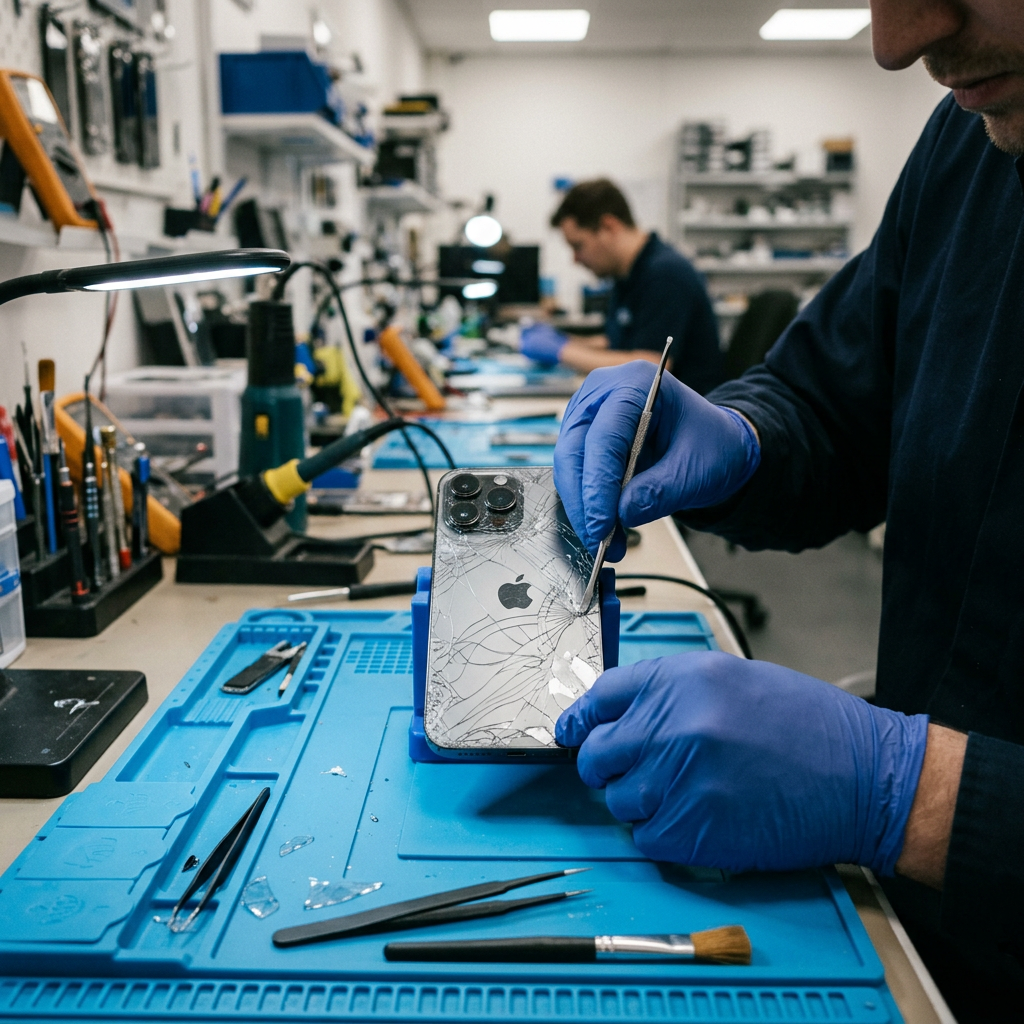
DO: Turn It Off Immediately
If your iPhone is still on, power it off right away. Do not press buttons, swipe, or try to use the screen. Every second the phone is on while wet increases the chance of a short circuit that permanently damages the logic board.
Step-by-step:
- Press and hold the side button + either volume button (iPhone X and later)
- Slide to power off immediately
- Do NOT try to check messages, take a photo, or test if it still works
- If the phone is already off, leave it off
DO: Remove the Case and SIM Card
Take off the case to allow air circulation. Remove the SIM card tray to give water an escape route. Leave the SIM tray open.
Step-by-step:
- Remove your phone case — this allows air to circulate around the device
- Find the SIM ejector tool (or use a paperclip)
- Insert into the SIM tray hole on the side of the phone
- Gently pull out the tray and remove the SIM card
- Leave the tray open — this creates a vent for moisture to escape
DO: Wipe It Dry Gently
Use a soft, lint-free cloth to gently wipe the exterior. Don't press hard — you don't want to push water deeper into the phone.
DO: Let It Air Dry
Stand the iPhone upright in a dry, well-ventilated area. A fan blowing gently across the phone helps. Leave it for at least 24–48 hours before attempting to turn it on.
Best practices:
- Stand the phone upright (charging port facing down)
- Place in front of a fan on low speed
- Use silica gel packets if available (better than rice)
- Wait at least 24 hours, ideally 48 hours
DON'T: Put It in Rice
This is the most common myth. Rice doesn't actually absorb water fast enough to help, and rice dust can get into the charging port and speakers, causing additional damage. Use silica gel packets instead if you have them.
DON'T: Use a Hair Dryer or Heat Gun
Heat can melt internal components and push water deeper into the phone. Never use a hair dryer, oven, or any heat source.
DON'T: Charge It
Do NOT plug in a wet iPhone. Charging while wet can cause a short circuit that destroys the logic board. Wait until the phone is completely dry — or better yet, bring it to a professional.
DON'T: Shake It
Shaking the phone can spread water to areas that were previously dry, making the damage worse.
When to Bring It to a Professional
If your iPhone:
- Won't turn on after 48 hours of drying
- Has a foggy or water-damaged screen
- Shows "Liquid Detected" warnings repeatedly
- Has audio issues (speaker crackling, microphone not working)
- Has charging issues after water exposure
...bring it to Glendale iPhone & iPad Repair immediately. We offer professional water damage diagnostics and repair. Our technicians use specialized equipment to dry and clean internal components, assess damage, and restore functionality.
Water Damage Myths vs. Facts
| Myth | Fact | |------|------| | Rice saves wet phones | Rice is too slow and introduces dust | | Waterproof iPhones can't be damaged | Water resistance degrades over time | | If it works after drying, it's fine | Corrosion can develop weeks later | | You can fix it yourself | Internal corrosion requires professional cleaning |
Need Water Damage Repair in Glendale?
Don't wait — corrosion worsens over time. Call (818) 963-3333 or visit us at 1415 E Colorado St, Glendale, CA. We provide free water damage diagnostics and fast, professional repair services.